Create Stylish Fonts for Names, Bios, and Creative Lettering

Published
Updated


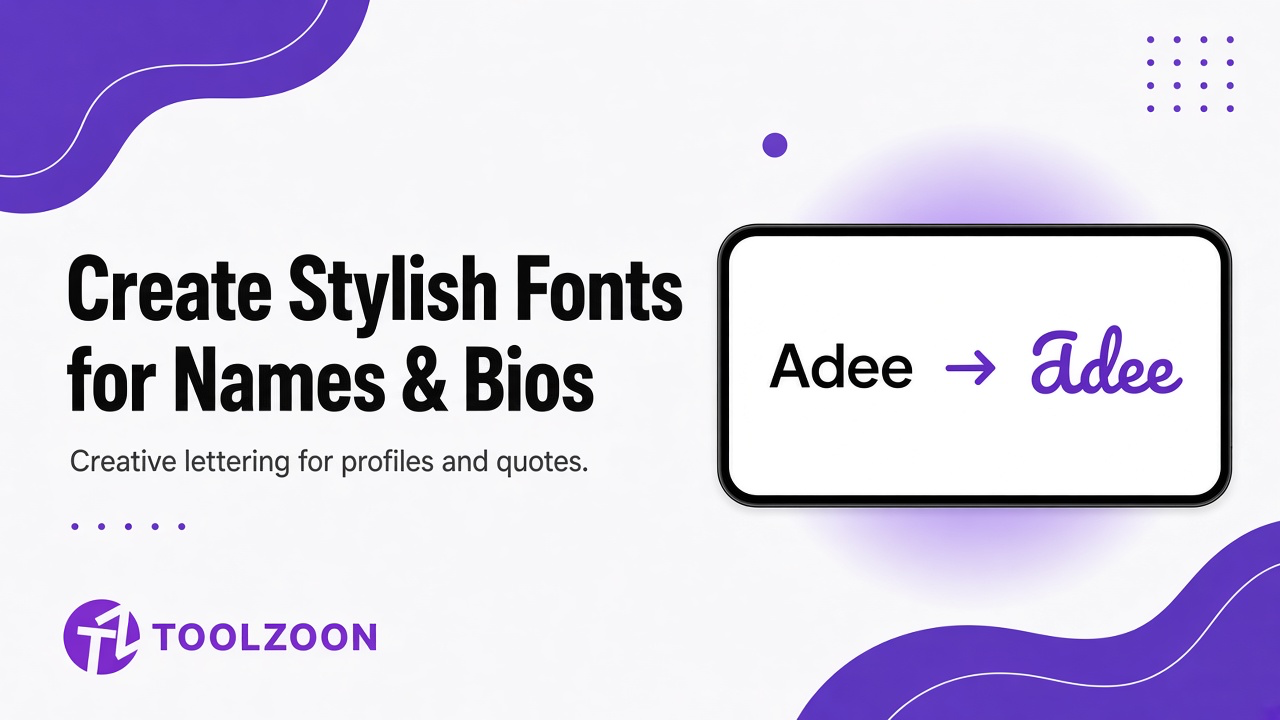
A plain name is easy to type and hard to remember. Online, the first thing people see is often a handle, a bio line, or a short phrase. Stylish fonts and AI writing tools help you explore how that text can look and feel before you commit to a username, a profile update, or a longer creative project.
Toolzoon sits in that early stage. You can brainstorm nicknames, test short quotes, and shape lettering ideas without opening a design suite. The point is not to force one final style. The point is to compare options quickly, keep what reads well, and drop what only looks clever for a second.
What Stylish Fonts and AI Writing Tools Actually Do
Stylish font tools take ordinary letters and map them into decorative Unicode styles, symbol-backed variants, or themed nickname patterns. AI writing tools sit beside that work. They help you invent the words first: a nickname from your real name, a short bio line, a cleaner quote, or a phrase that fits the mood you want.
Used together, the workflow is simple. First decide what you want to say. Then decide how you want it to look. A nickname generator is useful when you still need the name itself. The stylish nickname generator restyles those letters into fancy fonts, decorations, and symbols you can copy. A quote generator helps when the lettering depends on a short line that still sounds like you.
Fancy text is not the same as a custom typeface file. Many stylish outputs are Unicode characters you can copy into bios, chats, and profile fields. That makes them fast to test. It also means you should check how they display on the apps you care about, because not every platform renders every style the same way.
How to Create Stylish Names and Lettering in Minutes
Start with a base word or phrase. Keep it short enough to read at a glance. Long strings look impressive in a generator and awkward in a bio. Open the stylish nickname generator once the wording is locked.
- Type the name or nickname you want to restyle. Styles appear as you type.
- Pick Free Fire, PUBG, Instagram, or Discord so the list matches that character cap.
- Stay on All, or open Fonts, Decorations, Symbols, or Quick words.
- Tick the 12-character box if the name has to fit Free Fire.
- Copy the strongest versions and view them at normal size on your phone.
- Keep one readable choice and one more decorative backup.
Readability should win. If a style needs extra effort to decode, it will fail in small profile fields, tiny previews, and anywhere people skim.
Quick check:
If you cannot recognize the name from arm's length on your phone, choose a simpler style.
Practical Use Cases for Stylish Fonts
Social bios and usernames
Bios have almost no space, so every character counts. Stylish fonts can help a short name stand out, but they should not hide who you are. Pair a clean display name with one decorative accent if the platform allows it. If you already have a bio sentence, run it through the paraphrasing tool to tighten the wording, then decorate the name, not the whole paragraph.
Gaming nicknames and handles
Gamertags need personality and uniqueness. Start with nickname ideas that fit your vibe, then restyle them in the stylish nickname generator. Tick Show only names up to 12 characters for Free Fire. Cool symbols are optional. Clarity in a lobby list is not.
Quotes and short phrases
A short quote can become a profile line, a story caption, or a lettering draft. Generate a few options, cut filler words, and only then test fonts. The strongest phrase usually needs less decoration, not more.
Personal gifts and creative lettering
Stylish name ideas work well for cards, digital invites, scrapbooks, and mockups. Treat the output as a concept board. Once you like a direction, a designer or print tool can rebuild it in a proper font for production.
Testing lettering before ink
Some people use the same workflow for permanent lettering ideas. That is a useful sub-case of stylish fonts, not the whole point of the tools. AI writing tools help you test names, dates, and short quotes. Stylish fonts help you compare mood and weight. Compare script, serif, and bold options with a tattoo font generator before an artist redraws the final layout. Image and outline converters can simplify a photo when the design also needs a portrait, pet, flower, or symbol beside the text.
Common tattoo-related lettering checks include:
- Memorial and family names: Keep the text readable first. A name or date should stay clear without color.
- Pet names and short labels: Pair a simple phrase with distinctive visual features, not every decorative detail.
- Quote tattoos: Confirm spelling, capitalization, and line breaks before you fall in love with a font style.
- Botanical or symbolic designs with text: Build the image layer and text layer separately, then combine them.
AI cannot decide personal meaning, body placement, skin type, or how a design will age. A generated lettering sample is a draft for discussion with a professional artist, not a stencil ready for ink.
Pairing Lettering with Images
When a design needs more than text, separate the work into layers. An image to outline converter can turn a photo into a simpler line reference so the silhouette and key shapes are obvious. Then test the phrase in several styles and place the strongest option under, beside, or around the image.
Look at the full composition from a normal viewing distance. Ask whether the focal point is obvious and whether the text competes with the image. If the answer is yes to competition, simplify one of the layers.
What AI and Stylish Font Tools Cannot Decide for You
Generators are fast at variation. They are weak at judgment. They do not know your audience, your long-term taste, or the rules of every platform. They also cannot replace professional advice when a design will live on skin, in print, or in a brand system.
Watch for styles that look unique but break in search, mentions, or accessibility. If people cannot type, say, or recognize your name, the stylish version is working against you.
A Simple Checklist Before You Publish or Print
- The original plain-text version of the name or quote
- Two or three stylish variants you still like after a second look
- A note about the meaning or mood you want
- Where it will appear: bio, game profile, gift, mockup, or artist consultation
- Examples of styles you like and styles you want to avoid
Be open to edits. A cleaner spacing choice or a shorter phrase often improves the final result more than another decorative font.
Start with the words, then style them.
Generate a nickname if you still need the word. Then copy fancy fonts, decorations, and symbols. Free, no sign-up.
Final Thoughts
Stylish fonts work best when the writing behind them is already clear. Use AI writing tools to invent and refine names or quotes, then use font styling to explore visual direction. Keep decorative options for moments that need personality. Keep plain text for moments that need speed and recognition.
Treat every generated style as a draft. Compare, simplify, and only keep the versions that still make sense when you see them in the real place they will live.
FAQs
1. Are stylish fonts the same as downloading a new typeface?
Not usually. Many stylish name tools create Unicode text you can copy and paste. That is great for quick tests, but production design may still need a real font file.
2. Which Toolzoon tools help with stylish lettering ideas?
Start with the nickname generator for name ideas, or the quote generator for short phrases. Restyle the strongest result in the stylish nickname generator. If a bio sentence is already written, tighten it with the paraphrasing tool before you decorate anything.
3. Why does a stylish name look broken in some apps?
Not every app supports every Unicode character set. Always paste your shortlist into the real bio, chat, or profile field before you commit.
4. Should the font choice come before the words?
No. Decide what you want to say first. Stylish fonts amplify a clear phrase. They cannot rescue a weak or confusing one.