Refresh Your Online Identity: Nickname, Avatar, and Profile Photo

Published
Updated


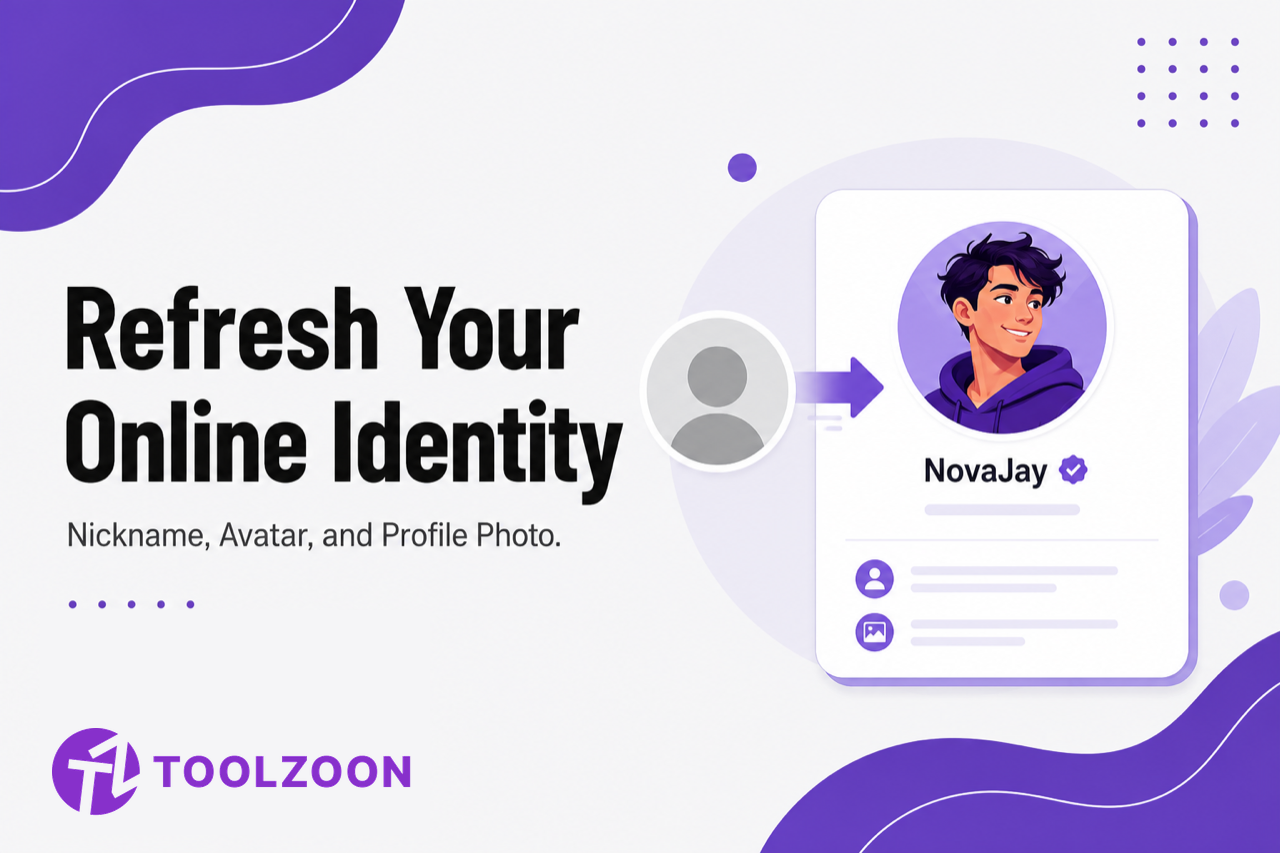
Most people still show up online as a grainy selfie, a cropped group photo, or a blank default icon, paired with a username they settled for years ago. None of that says much about who you are. A real identity refresh starts with a name you chose, then a look that matches it.
That is why a styled avatar now sits next to picking a username or a nickname as a normal setup step, not a novelty. The photo is only half of the job.
Start with a nickname, then match the look
A new profile picture on top of a generic handle still reads as unfinished. Pick the name first, then generate a look that fits the same tone: cool, cute, edgy, or professional.
First step:
Use Toolzoon's free nickname generator to get ideas from your real name, then restyle the letters with the stylish nickname generator if you want bold or fancy fonts for Free Fire, Instagram, or Discord. Then choose an avatar that matches that vibe across Discord, TikTok, gaming profiles, or a creator channel.
Why people are moving away from the default profile photo
A blank silhouette reads as an unfinished profile. A cropped selfie pulled from a group photo rarely looks intentional. A styled avatar is something you actually chose: a specific look, mood, and aesthetic. That matters more now that you keep a presence across several platforms and want visual consistency between them.
People leave the default photo because a generic icon or an awkward selfie does not reflect how they want to be seen. A generated avatar gives you a distinctive identity you can reuse everywhere.
What makes a good AI avatar different from a filtered selfie
A filter app takes an existing photo and applies a preset on top of it. The result is still a variation of whatever the source photo already looked like.
A good AI avatar is a fully generated, styled image built from a description or a loose reference photo. It can hit cartoon, painterly, cyberpunk, or professional looks without needing a usable selfie at all. That is why it can reach a color palette or mood a filter simply cannot reach from a real photo.
How an AI avatar generator actually works
You describe the look you want: art style, color scheme, expression, or pose. The tool produces a styled image from that text, or from a reference photo, without a camera or design software.
That is faster than hunting for the right filter, and faster than commissioning custom art. You iterate until the result matches the nickname and personality you already picked.
Using an AI image generator for avatars and profile pictures
When you need more than one style to compare, a multi-model AI image generator such as Higgsfield is useful. It lets you try painterly, illustrated, or photorealistic treatments in one workspace instead of locking into one model's default look. One engine may handle an illustrated avatar well, while another leans photoreal. The right choice depends on the identity you already named.
Native 2K output with optional 4K refinement helps if the image has to hold up as a banner, a print, or a larger display, not only as a tiny thumbnail. A consistent character ID across generations keeps matching avatars from drifting into a different style on each platform. Non-destructive inpainting lets you change one color, accessory, or background detail without regenerating a look that already worked.
Clean up old profile video only if it sits next to the new avatar
A sharp new avatar next to a grainy intro clip from an older phone makes the whole profile look mismatched. That is optional, not the starting point. Fix the name and the still image first.
If you do need to sharpen older profile videos or intro footage, a tool like Higgsfield AI video upscaler applies super-resolution, denoising, and stabilization. That is a different result from resizing the same clip and hoping it looks sharper on a bigger screen. Extremely low-bitrate source footage still has a ceiling. Mildly compressed clips improve more than heavily degraded ones.
What a complete online identity refresh looks like
A complete refresh pairs three things: a distinctive nickname, a generated avatar that matches that tone, and cleaned-up video only if you actually use video on the same profile.
Generating the name on Toolzoon, then generating an avatar that matches it, is the path that used to mean settling for whatever photo happened to be on your phone. Keep the same mood in both: a cute nickname should not sit next to a cyberpunk headshot, and a gaming tag should not sit next to a corporate headshot unless that contrast is the point.
What to check before you trust an AI tool with your avatar
Prioritize an honest free tier, consistent output across repeated generations, and no steep learning curve. Most people want a usable avatar in minutes, not a drawn-out design process.
Skip a tool that produces one impressive demo image, then drifts wildly on the next try, or that locks meaningful use behind a paywall before you can judge real output quality. The tools worth using keep producing a consistent, usable result, not just a lucky first try.
Get a nickname that matches your new look
Generate cute, cool, or funny nickname ideas from your name. Then copy fancy fonts if you need them. Free, no sign-up.
Frequently Asked Questions
1. Should I pick a nickname before generating an avatar?
Yes. The name sets the tone. Generate nickname ideas first, lock one in, then describe that same vibe when you generate the avatar so the handle and the picture feel like one identity.
2. Is there a free way to try an AI avatar generator?
Most platforms offer a usable free tier with daily generation credits. That is enough to test real output quality on a specific style before you pay.
3. Can an AI avatar match a specific art style consistently?
Comparing outputs across several underlying models usually produces more consistent results for one style. A single model may handle one aesthetic well and drift on another.
4. How is this different from a generic photo filter app?
A filter applies a preset on top of an existing photo. A true avatar generator builds a new image from a description or reference, which is why it can hit an art style a filter cannot reach.
5. Does video upscaling work on old profile or intro clips?
Yes, with limits. Mildly compressed footage cleans up more than extremely degraded or low-bitrate source material, which has a lower ceiling for reconstructed detail.
6. Is this only for personal profiles?
No. Individuals use it for social and gaming profiles. Creators and brands use the same approach for consistent avatar and branding assets across channels.